Table of Contents
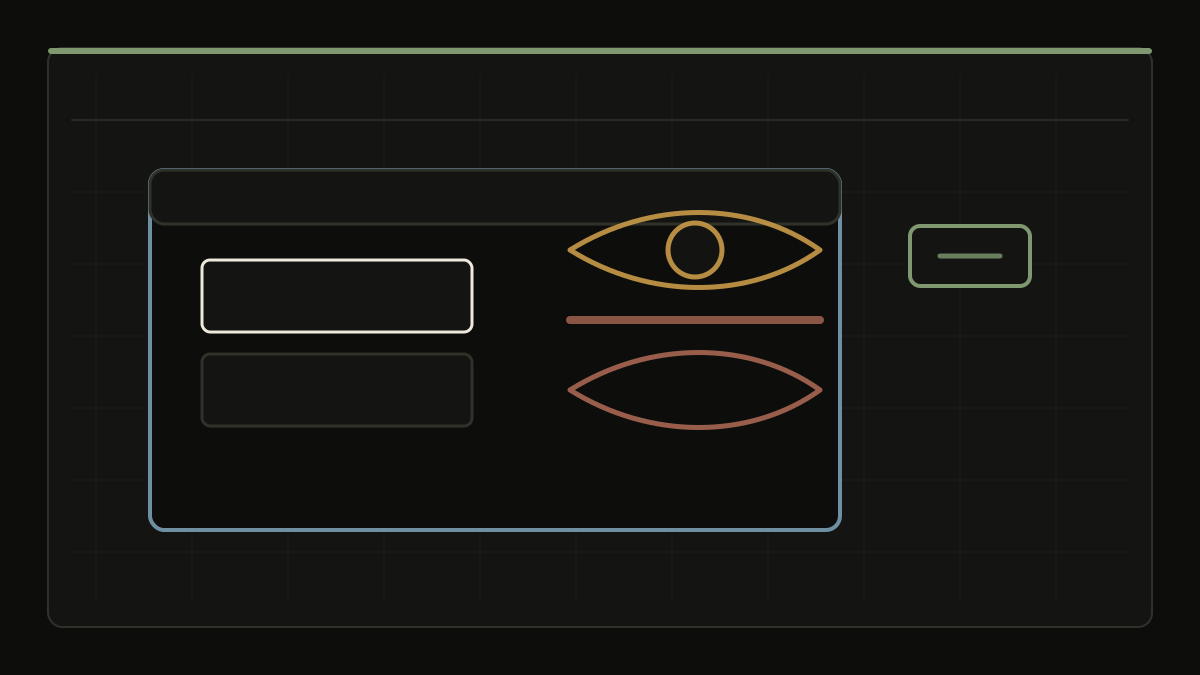
LinkedIn Hide Viewed Jobs
A privacy-first browser tool that hides or highlights the job postings you have already viewed on LinkedIn — so you can focus on what is new.
Available as a userscript (Tampermonkey / Violentmonkey) or a standalone browser extension for Chrome and Firefox. No account. No tracking. No external requests.
Homepage | GitHub Repository | Releases | Greasy Fork
What It Does
LinkedIn remembers every job you open, but its interface does not make it easy to skip the ones you have already seen. This tool scans each job card, detects whether you have viewed it or applied to it, and either removes it from your feed or paints it with a subtle color overlay.
It works with LinkedIn's single-page app routing, so detection stays accurate as you switch between search results, collections, and recommended jobs.
Features
- Hide or Highlight mode: Choose between removing viewed jobs entirely or keeping them visible with a color overlay.
- Smart detection: Separate colors for
viewed,applied,active, and keyword-matched cards so you can read your feed at a glance. - Active card accent: The currently selected job on search and listings pages gets its own color so it never gets lost.
- Custom keywords: Add your own keywords to highlight or hide cards by company name, title, or any text on the card. Matches take priority over viewed/applied detection.
- Scroll Guard: Slows down rapid scrolling through hidden items to reduce the risk of hitting LinkedIn's rate limits.
- Draggable badge: Reposition the on-page control anywhere on the screen.
- Live counter: See how many cards have been detected and how many are keyword matches.
- SPA-aware: Automatically rescans when you navigate between search results or collections.
- Multilingual: Works out of the box on 15+ languages including English, Turkish, Spanish, Portuguese, French, German, Italian, Dutch, Russian, Polish, Swedish, Chinese, Japanese, Korean, Arabic, and Hindi.
- Customizable colors and opacity: Tune the overlay to your taste with native color pickers and an opacity slider.
- Import / export: Back up and restore your settings as a JSON file. You can replace everything or merge on top of existing settings.
- Persistent window: The extension remembers your window size and position between sessions.
Installation
Option 1 — Userscript (Tampermonkey / Violentmonkey)
Works on Chrome, Edge, and Firefox.
- Install a userscript manager (Tampermonkey or Violentmonkey).
- Install the userscript from the latest release.
- Confirm the install prompt in your userscript manager.
- Open any LinkedIn Jobs page — the badge will appear in the bottom-left corner.
Option 2 — Browser Extension (Chrome, Recommended)
- Download
linkedin-hide-viewed-jobs-chrome.zipfrom the latest release. - Unzip the file to a permanent folder on your computer.
- Open
chrome://extensionsin Chrome. - Enable Developer mode (toggle in the top-right corner).
- Click Load unpacked and select the unzipped folder.
- Open any LinkedIn Jobs page.
Option 3 — Browser Extension (Firefox)
- Download
linkedin-hide-viewed-jobs-firefox.zipfrom the latest release. - Unzip the file to a permanent folder on your computer.
- Open
about:debuggingin Firefox. - Click This Firefox → Load Temporary Add-on.
- Select the
manifest.jsonfile from the unzipped folder. - Open any LinkedIn Jobs page.
Note: Firefox temporary add-ons are removed when the browser closes. For a permanent install, the extension needs to be signed by Mozilla.
Privacy
- The script runs entirely on your device.
- It makes no external network requests.
- It does not collect, store, or transmit any data.
- Your settings live in your browser's local storage and stay there.
Technology Stack
- TypeScript
- Vite
- Browser Extension APIs (Chrome / Firefox)
- Userscript (Tampermonkey / Violentmonkey)